Queues
Calls waiting, longest wait, answered, abandoned and service level, queue by queue, using each queue’s own SLA.
Wallboard for 3CX V20
Calls waiting, wait times, service level and agent availability, shown large on the team TV and on supervisors’ computers. Refreshed every few seconds, with nothing to install on your side.
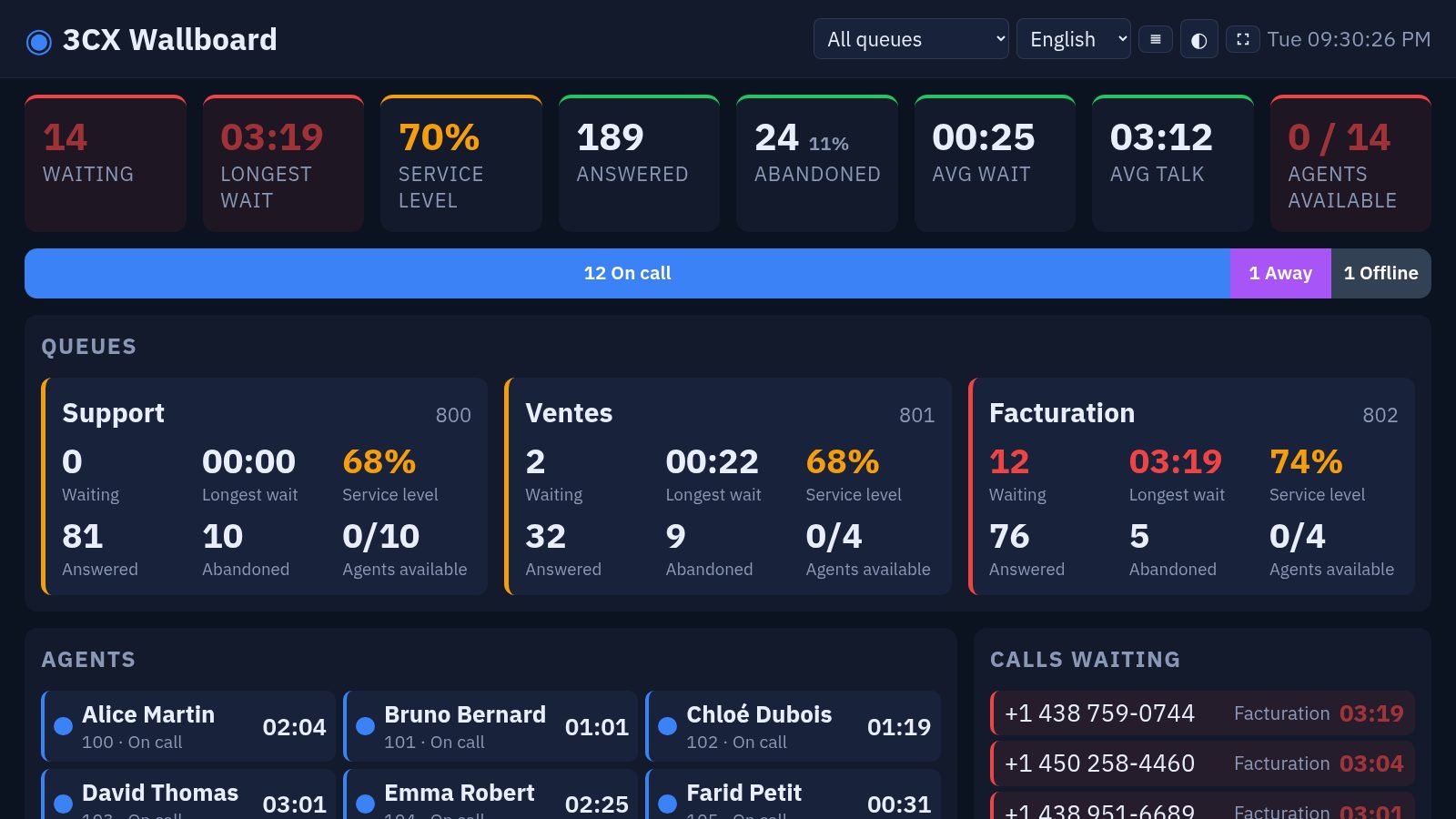
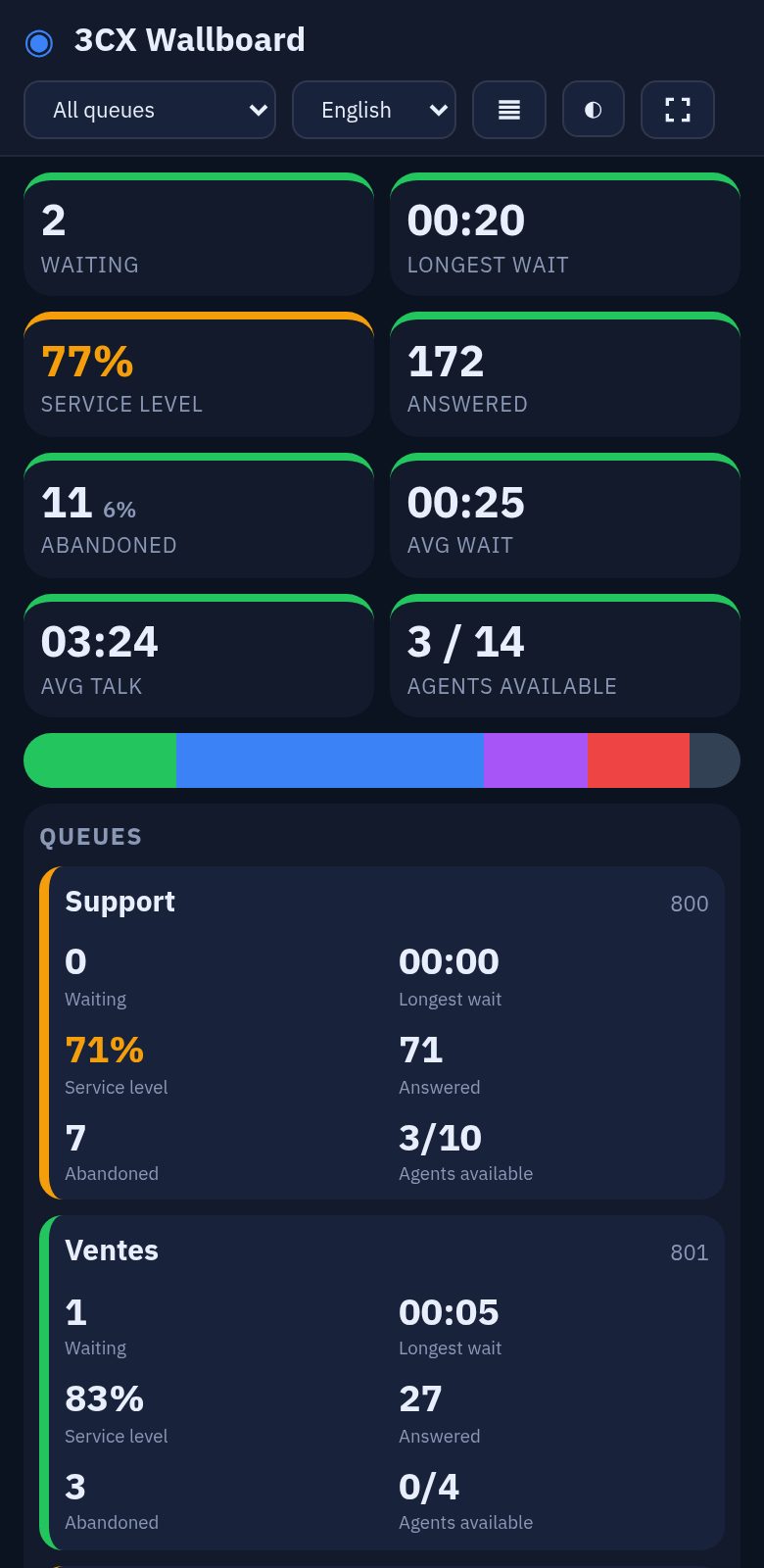
Demo data.
Calls waiting, longest wait, answered, abandoned and service level, queue by queue, using each queue’s own SLA.
Available, on a call, ringing, away, do not disturb: every agent with their status and a timer.
The list of waiting calls, oldest first, so the team knows which one to pick up next.
Green, amber, red: you decide when an indicator should catch the eye.
Answered calls or talk time per agent, to motivate the team without a spreadsheet.
A gallery of modules to place and resize, several screens per team, your logo, your colours and a scrolling message.
In the 3CX admin console (Integrations › API), in a few minutes. We walk you through it.
It lives at its own address, for example your-company.my3cxwallboard.com, and you configure it yourself.
Open the address on the TV: a code appears. You approve it and the screen stays signed in. Supervisors sign in with e-mail and password.
No shareable link: each TV is authorised with a one-time code and can be revoked at any time.
Supervisors get their own access. You add, suspend or remove it yourself.
Your 3CX API key is encrypted on our servers and never sent to browsers.
No. The wallboard reads data through the 3CX API, which comes with the Enterprise and AI editions.
Data is read every 2 to 3 seconds and pushed to the screens immediately. Timers tick every second between updates.
No. The wallboard is hosted; each screen only needs a browser.
Yes. Each screen can show its own queues and its own modules.
The display is available in English, French, Spanish, German and Italian; each screen can have its own language.
No. The wallboard shows the current state and only keeps the day’s counters (answered, abandoned, durations).
We show you the wallboard with demo data, then look together at what it takes to connect it to your 3CX.
Your details are only used to reply to you.